


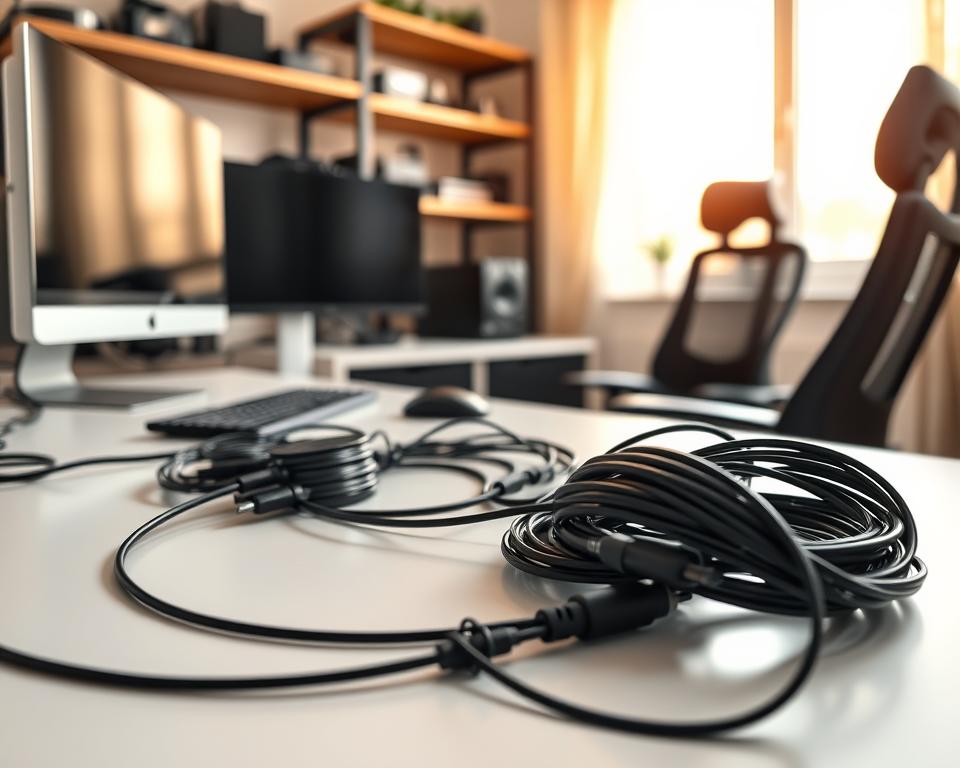
I remember the frustration of dealing with a tangled mess of cables behind my computer.
Many of us face this problem. But, the good news is that good cable organization can change your workspace.
This guide will show you easy steps to a clutter-free space.
Key Takeaways
- Simple steps to organize your cables effectively
- Tips to maintain a clutter-free workspace
- Benefits of effective cable management
- Tools and materials needed for cable organization
- Common mistakes to avoid in cable management
The Importance of Cable Management
Cable management is more than tidying up. It’s about making your workspace more efficient. As technology advances, the need for good wire management and cord management grows.
Why It Matters in Today’s Tech-Driven World
In today’s world, devices and cables are everywhere. Cluttered cables look bad and can cause problems. They can slow you down and even be dangerous.
Good cable management cuts down on clutter. It also helps devices stay cool by improving airflow. This makes it easier to find and use the cables you need.
With more people working from home, a tidy workspace is key. A clean desk helps you stay focused and reduces stress. This makes working from home or in an office easier.
Benefits for Remote Work and Home Offices
For those working from home or running a home office, cable management is a big plus. It makes your workspace look better and work better. It helps you stay focused and manage your gear easily.
| Benefits | Description |
|---|---|
| Improved Productivity | A clutter-free workspace helps in focusing on tasks without distractions. |
| Safety | Reduces the risk of tripping over cables or causing electrical hazards. |
| Aesthetics | Creates a more visually appealing and professional workspace. |
By using smart cord management strategies, you can have a workspace that’s both efficient and pleasant. It supports your work needs and makes your work environment better.
Assessing Your Cable Situation
Getting your cables organized starts with checking out what you have. You need to know what’s being used and what’s taking up space.
Analyzing Your Equipment and Layout
Begin by listing all your devices and cables. Note down everything connected to your desk or entertainment center. This includes computers, monitors, printers, gaming consoles, and TVs. Desk cable management is key to a tidy workspace, so focus on your desk cables.
Then, look at how your cables are laid out. Are they all tangled? Do they run behind your desk or on the floor? Knowing how your cables are set up helps you figure out how to make them better. Use cable ties or cable clips to keep your cables neat.

Identifying Problem Areas
While checking your setup, spot areas that need work. Common issues include:
- Cables tangled together, making it hard to tell which is which
- Cables crossing the floor, posing a tripping risk
- Not enough cable storage, leading to messy workspaces
- Power strips or surge protectors that are too full
Spotting these problems lets you plan how to fix them. Think about using cable organizers, trays, or concealers to keep your cables in order.
Remember, a messy space can make your mind feel cluttered too. Good cable management makes your area look better, boosts productivity, and cuts down stress.
“A well-organized workspace is not just about looks; it’s about creating an environment that fosters productivity and creativity.”
Tools and Supplies for Cable Organization
Having the right tools and supplies is key for cable organization. A messy workspace can be frustrating and slow you down. But, with the right cable management solutions, you can keep everything tidy and organized.
Must-Have Cable Management Solutions
To manage your cables well, you need some essential tools. A cable organizer is a must, as it keeps your cables neat and untangled. These come in types like cable ties, clips, and trays.
For example, a cable holder keeps your most-used cables handy while keeping your area clean.
A cable management box is also key. It stores extra cables, keeping your space neat. Cable labels are also great for knowing which cable is which, saving you time and stress.
Choosing the Right Accessories
Choosing the right cable management accessories can be tough. Think about the cables you have and your workspace layout. For example, adhesive cable clips work well for desk cables. But, for cables behind your computer or TV, you might need a sturdier cable organizer.
Also, think about the future. As you get new devices, your cable needs might change. Choosing adjustable and reusable solutions can save you money and hassle later.
By picking the right tools and supplies, you can set up a cable management system that works for you now and in the future.
Organizing Cables Behind Your Desk
Organizing cables behind your desk is more than looks; it’s about efficiency. A clean area looks professional and makes work easier. It also helps prevent cable damage.
Creating a Neat Workspace
To get a neat desk, start by sorting all cables. This lets you see what you have and what you need. Use cable clips or ties to keep cables organized and easy to find.
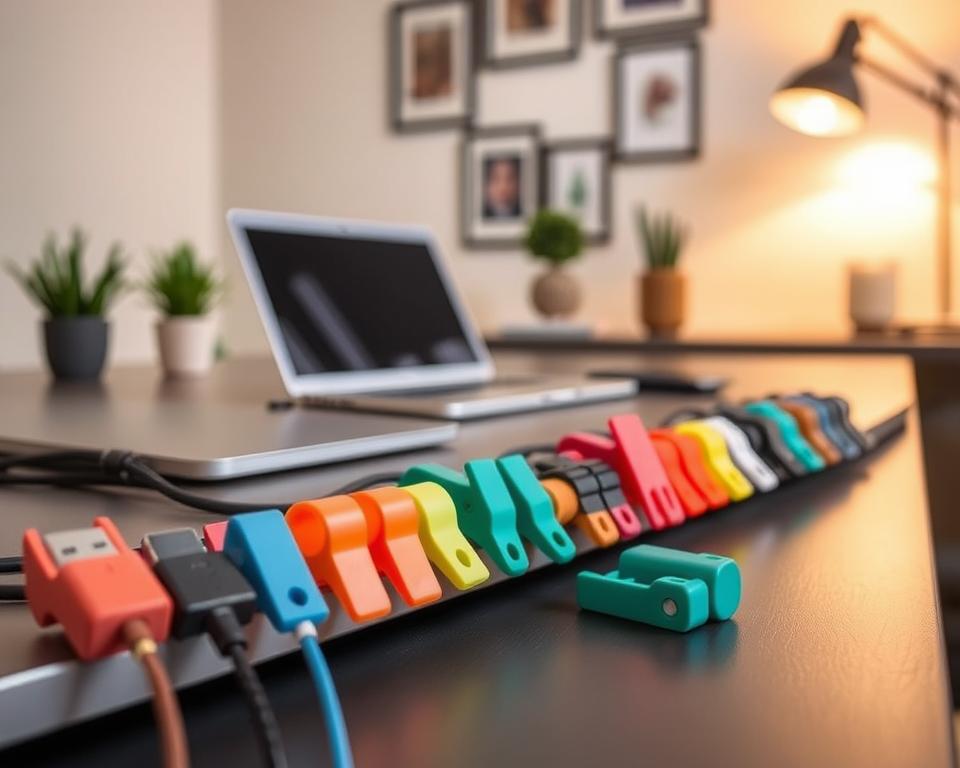
Think about the types of cables you have and how often you use them. For example, cables you use a lot should be easy to get to. Less-used cables can be kept together.
Cable Ties vs. Cable Clips
Cable ties are great for bundling cables together. They keep cables organized and secure. They’re perfect for computer or entertainment system cables.
Cable clips are better for securing single cables. They keep cables from tangling or getting damaged. They’re good for desks or cable trays.
Choose between cable ties and clips based on your needs. Clips are good for a permanent setup. Ties are flexible and adjustable.
By using these tips, you can make your workspace cable tidy. This boosts your productivity and reduces stress.
Managing Cables in Entertainment Centers
Turning your entertainment center into a tidy space is simpler than you might think. The right cable management strategies can make a big difference. A messy entertainment center can be overwhelming and ruin your viewing experience.
A neat entertainment center not only looks better but also makes managing your devices easier. Let’s look at some effective ways to organize your home theater and stylish ways to hide cords.
Tricks for Home Theater Setups
For home theater setups, cable management is essential for a smooth viewing experience. Here are some tips to keep your cables tidy:
- Use cable ties to bundle cables together, reducing clutter and making it easier to identify which cable is which.
- Invest in a cable management box to hide excess cables and keep your entertainment center looking sleek.
- Label your cables so you can easily identify them, saving you time when you need to make adjustments.
As Home Theater Magazine points out, “A clutter-free entertainment center is not just about looks; it’s about creating an immersive experience.” By using these strategies, you can enjoy a more streamlined and enjoyable home theater experience.
Concealing Cords with Style
Concealing cords is not just about hiding them; it’s about doing so in a way that complements your home decor. Here are some stylish ways to hide cords:
- Use cord covers that match your wall color to blend in seamlessly.
- Route cables behind furniture or along baseboards to keep them out of sight.
- Invest in furniture with built-in cable management solutions, such as TV stands with cable ties.
By hiding cords effectively, you can keep your entertainment area clean and organized. This enhances the overall look of your room.
In conclusion, effective cable management in entertainment centers is key for both looks and function. By using these tips, you can have a clutter-free and stylish entertainment area that improves your home theater experience.
DIY Cable Management Ideas
DIY projects are great for organizing cables. They mix practicality with creativity. It’s not just about keeping things tidy; it’s about being creative with what you have.
Start by using items you might throw away. Old cardboard tubes from paper towel rolls work well. Cut them lengthwise, wrap cables around, and hold with tape.
Creative Solutions for Every Room
Every room has its own cable management needs. In the living room, you might have cables for your TV, sound system, and gaming console. Decorative boxes or baskets can hide cables while keeping things stylish.
In the home office, cable ties and clips are key. Use adhesive-backed clips to keep cables on your desk or wall.
Upcycling Household Items
Upcycling is a great way to reduce waste and create unique solutions. Old mason jars or containers are perfect for small cables and accessories. Just label them so you know what’s inside.
Use a vintage ladder for cable management. Lean it against a wall and use the rungs to organize cables. It keeps them hidden and tidy.
DIY cable management improves your space and helps the environment. With a bit of creativity, you can make everyday items into useful tools.
Prepping for Future Tech Upgrades
Technology keeps changing, so our cord management plans must too. We need to think ahead for tech upgrades that will change our cable setup.
Planning for Flexibility
Make your cable management system future-proof. Think about your current setup’s layout and infrastructure. Check if your cables can handle new devices. Modular solutions make adding or removing parts easy.
Flexibility is essential in cable management. Choosing systems that are easy to change saves time and effort when you upgrade.
Importance of Anticipating New Devices
It’s important to think about new devices and tech for a good cable management system. Plan for new gadgets by adding cable ties or clips for new cords.
- Look at your current gear and think about future upgrades.
- Think about devices you might add later.
- Make your cable management system adaptable and growable.
Being proactive in cable management keeps your setup organized and working well, even as your tech needs change.
Maintaining Cable Organization
To keep your cable management system efficient, follow simple practices. As technology advances, our cable setups become more complex. Regular upkeep is vital to avoid clutter and keep your workspace productive.
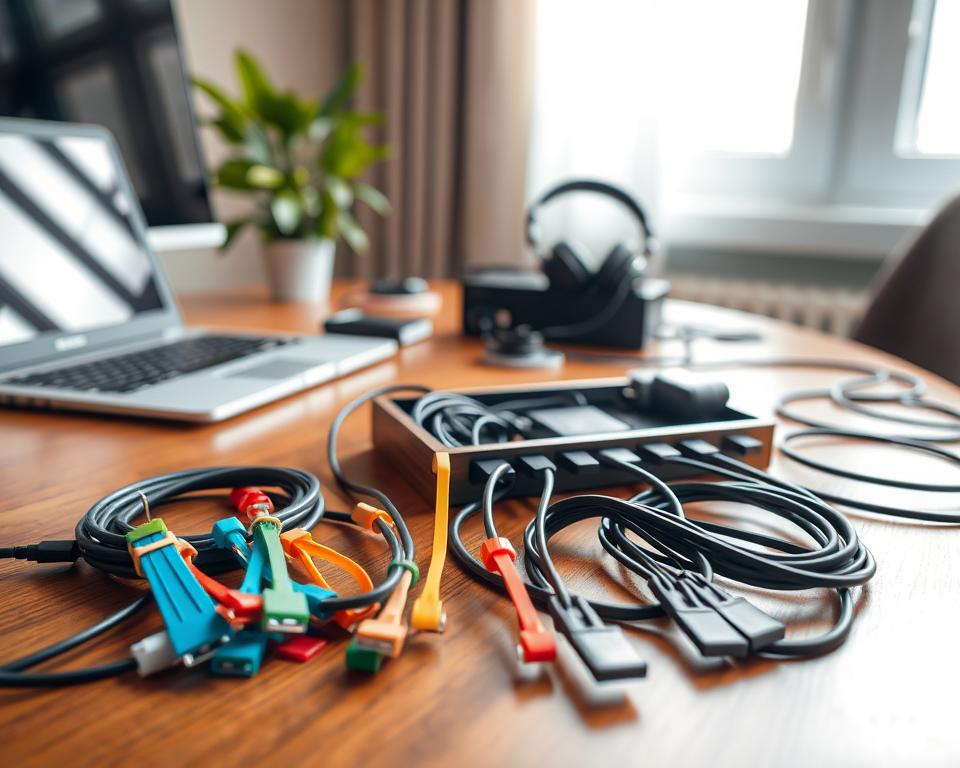
Tips for Keeping It Tidy Long-Term
Creating habits to prevent clutter is essential. Start a “cable organization” routine. This means sorting cables, getting rid of damaged ones, and labeling and storing the rest.
For desk cable management, use cable ties or clips. Designate paths for cables behind your desk or along walls. This helps avoid clutter.
For more tips, check out 10 Simple Cable Organization Tips for Your Home. They offer strategies to keep your workspace tidy.
Regular Check-Ins for Your Setup
Regularly review your cable management system. Spend a few minutes each month to check your setup. Make adjustments and ensure new devices fit without clutter.
During these reviews, consider removing or consolidating cables. Check if your current solutions work or need updates. This keeps your workspace clutter-free and supports your needs.
By making these practices part of your routine, you’ll keep your workspace organized. Effective cable organization is an ongoing effort that requires attention and care.
Troubleshooting Common Cable Management Problems
Keeping your workspace tidy is key, and I’m here to help. We’ll tackle tangled cords and crowded power strips together. I’ve got some easy fixes to share.
Dealing with Tangled Cords
Tangled cords can be a real pain. To fix this, use a cable holder to keep things neat. You’ll find many types, from simple clips to complex systems.
Labeling your cords is another smart move. It helps you know which cord goes where. Use cable ties to keep them tidy, making your desk or entertainment area look better.
“A well-organized cable setup is not just about aesthetics; it’s also about functionality and ease of use.”
Fixing Overcrowded Power Strips
Too many cords on a power strip is not only ugly but also risky. To solve this, get a power strip with more outlets. Or, try a smart strip that charges many devices at once.
| Solution | Benefits |
|---|---|
| Upgrade to a larger power strip | More outlets for your devices |
| Use a smart power strip | Charge multiple devices efficiently, reduce clutter |
| Implement cable management boxes | Hide excess cables, improve workspace aesthetics |
With these tips, you can make your cable setup much better. A tidy workspace is not just about looks. It’s also about being more efficient and safe.
My Favorite Cable Management Brands
Effective cable management is more than just tidying up. It’s about picking the right tools. I’ve found a few brands that really stand out for their quality and new ideas. These brands help me keep my workspace neat with their top cable organizers and tidy solutions.
Quality Solutions for a Clutter-Free Space
CableOrganizer.com is a brand I always go back to. They have a huge selection of cable management products. Their cable ties and cord concealers are great for keeping things tidy. CordConcealer is another favorite of mine. They offer stylish ways to hide cables behind desks or along walls.
Top Products for Cable Management
CableMod is a brand I’ve had good experiences with. They offer durable and flexible cable management systems. Their organizers fit different cable sizes, making them very versatile. Velcro is also a great choice for a simple yet effective cable tidy solution. Their cable ties are easy to use and reusable.
Choosing the right cable management tools from trusted brands helps keep your workspace organized. Whether it’s for a home office or an entertainment center, these brands have quality solutions for you.