


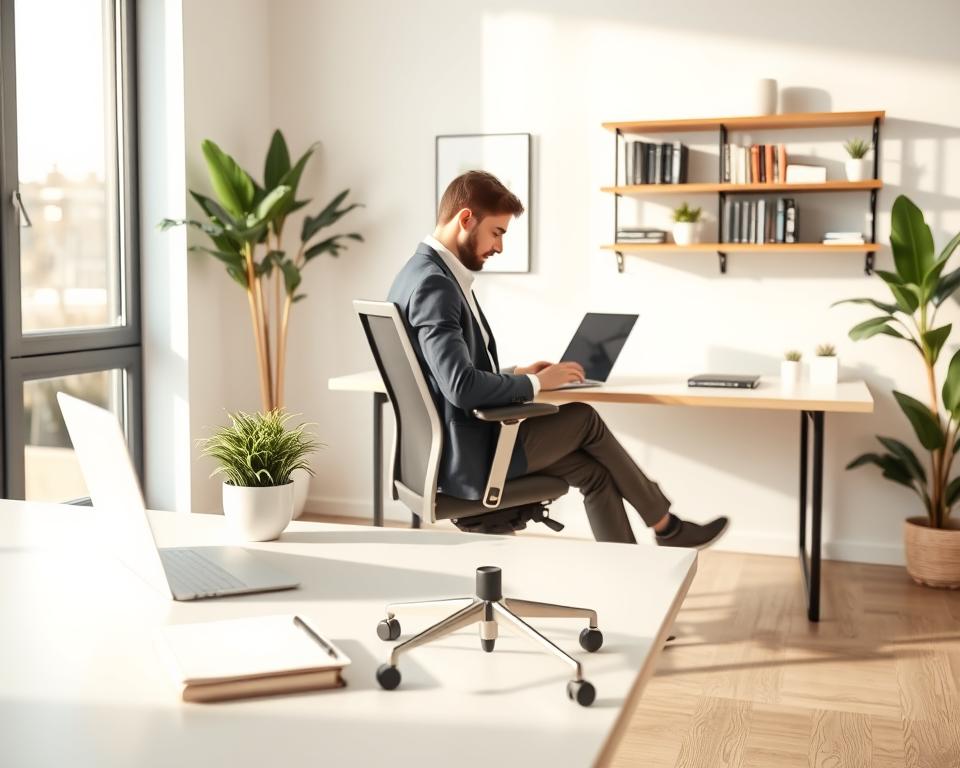
A well-designed workspace can really boost your work efficiency. Studies show that a messy workspace can cut productivity by up to 20%.
If you want a better work environment, I’m here to help. With a few simple changes, you can make your workspace more efficient. This will improve your work experience.
Key Takeaways
- Create a clutter-free workspace to improve focus
- Use ergonomic furniture for comfort and efficiency
- Implement effective storage solutions
- Minimize distractions with strategic workspace planning
- Enhance your workspace with plants and natural light
Understanding Productivity Layouts
Learning about productivity layouts can make your workspace better. A good workspace is not just pretty. It’s about making your work area better for getting things done.
What is a Productivity Layout?
A productivity layout is how you arrange your workspace for better work. It’s about where you put your furniture, tech, and storage. This setup helps you work better and keeps distractions away.
Using good organization techniques can make your workspace work better. You need to know how you work and find ways to make it better.
Importance of an Effective Workspace
A good workspace is key for staying productive and happy at work. When your space is organized and fits you, you’ll stay focused and motivated.
Workspace optimization is more than just what you like. It’s about making a space that supports your work style and helps you reach your goals. A well-designed workspace can lead to better work and less stress.
Key Elements of Productivity Layouts
Several important parts make up a productivity layout. These are ergonomic furniture, good storage, and smart tech placement. These elements help make your workspace both useful and comfy.
- Ergonomic desks and chairs that promote good posture and reduce fatigue.
- Efficient storage solutions that keep essential items within easy reach.
- Technology integration that streamlines workflow and enhances productivity.
Evaluating Your Current Workspace
Understanding your workspace is key to making improvements. Start by looking at your work environment. Identify what works well and what doesn’t.
Identifying Inefficiencies
Walk through your workspace and note inefficiencies. Are there spots where workflow is slow? Are there productivity tools not being used?
Think about the layout and its impact. Is it set up for teamwork or does it block it? Are there enough meeting spots and quiet areas? These details help improve your workspace.
Gathering Feedback from Users
Feedback from daily users is priceless. They can tell you what’s good and what needs work. Use surveys, interviews, or chats to get their thoughts.
Ask about their productivity tools experiences. Do they help or hinder work? This feedback helps decide on tool changes.
Finding Areas for Improvement
After spotting inefficiencies and gathering feedback, find areas to improve. This might mean changing the layout, getting new productivity tools, or starting new work processes.
For more ideas on layouts, check out 7 Types of Office Layouts. Knowing these options helps make better workspace choices.
Choosing the Right Furniture
To make a workspace productive, you need furniture that works well and feels good. The right pieces can boost your work efficiency and health.
Ergonomic Desks and Chairs
Getting ergonomic desks and chairs is key for a comfy workspace. Ergonomic furniture helps your body stay right, avoiding injuries. For example, an ergonomic chair with adjustable height and lumbar support can prevent back pain. A sit-stand desk encourages you to move all day.
Using ergonomic furniture also helps with decluttering solutions. You can find pieces with storage, keeping your area tidy and organized.

Multi-functional Furniture Options
Multi-functional furniture is essential for a well-organized workspace. Items like storage ottomans, modular desks, and wall-mounted shelves save space and keep things neat. These pieces are great for changing your workspace to fit different tasks.
A storage ottoman can be a seat and a place for office stuff. It helps keep your area clean and free of clutter.
Importance of Layout Flexibility
Today’s workspaces need to be flexible. A flexible layout lets you change your setup for different tasks and work styles. You can use modular furniture, movable partitions, and versatile pieces to make your space adaptable.
Flexible layouts help you stay productive and efficient. They also make it easier to keep your space organized with decluttering solutions. This way, you can adjust your setup as needed, supporting your work.
Lighting and Atmosphere
Improving your workspace’s lighting and atmosphere can really help you work better. A well-designed space boosts your focus and well-being. This makes it easier to manage your time well.
Natural vs. Artificial Lighting
The lighting in your workspace greatly affects your productivity. Natural lighting is best because it lifts your mood and energy. But, not all spaces get enough natural light.
In those cases, artificial lighting is a good choice. LED lights are a smart pick because they save energy and mimic natural light well.
Color Psychology in the Workspace
The colors in your workspace can change how you feel and work. Blue helps you focus and work better, while green can ease eye strain and improve your vision. Knowing about color psychology helps you design a space that boosts your productivity.
Creating a Comfortable Ambiance
Creating a cozy workspace is more than just about lighting and color. It’s also about temperature, noise, and scents. A comfy space helps you stay focused by reducing distractions.
Think about adding plants or using aromatherapy to make your space welcoming. This way, your workspace will not only look good but also help you stay productive and focused.
Organizing Your Workspace
To boost your productivity, organize your workspace for efficiency and comfort. A tidy workspace helps you focus better and keeps you healthy. It follows workspace ergonomics principles.
Decluttering for Increased Focus
Decluttering is key to a productive workspace. It reduces distractions and improves focus. Begin by sorting items into keep, donate, or discard piles.
Regular cleaning keeps your space organized. Set aside time each week to tidy up. This habit improves focus and reduces stress.
Effective Storage Solutions
Good storage is vital for an organized workspace. Use filing cabinets, shelves, and desk organizers. Choose solutions that match your needs and workspace layout.
Invest in multi-functional furniture. For example, a desk with storage or a chair with a pocket. This optimizes space and comfort.
The Benefits of Minimalism
Minimalism brings many benefits to your workspace. It simplifies and clarifies, helping you stay focused. Fewer items mean less distraction and better productivity.
Minimalism also makes your workspace look better. A clean, simple space boosts your mood and motivation. It’s about creating a functional and inspiring space.
Embracing Technology for Productivity
Optimizing our workspace means using technology. The right tools help us work better, faster, and more organized. This makes our work environment more efficient.
Productivity Software and Tools
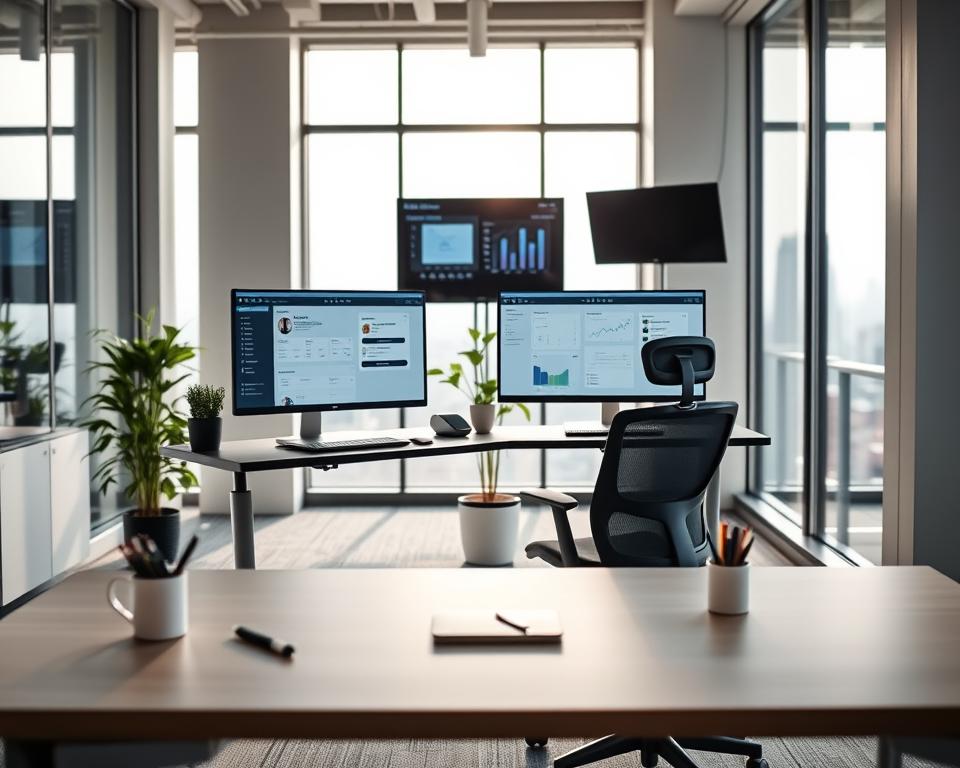
Many productivity tools are out there to help us. Tools like Trello and Asana manage projects well. Toggl tracks our time, keeping us on track.
Slack makes team talks easier, cutting down on emails. It’s key to pick tools that fit our team’s needs. This way, we avoid confusion and make our workspace better.
Integrating Smart Office Solutions
Smart office tech changes how we work. It includes smart lights, temperature control, and security that we can control from anywhere. These features make our workspace better.
Smart lighting makes our space look good and saves energy. IoT devices help us manage our office, making it more comfortable and productive.
Keeping Technology Organized
Technology helps us work better, but it can also distract us. We need to use it wisely. This means keeping software up to date and using strong passwords.
Having a backup system is also important. It keeps our data safe. By keeping our tech in order, we work more efficiently and avoid problems.
In summary, technology is essential for a productive workspace. By choosing the right tools and solutions, we can work better together and achieve more.
Personalizing Your Workspace
Adding personal touches to your workspace can make it more efficient and fun. When you make your space your own, you feel more at ease and motivated. This can boost your productivity.
Adding Personal Touches
It’s easy to add personal touches like family photos, artwork, or collectibles. These items can make your space feel cozy and spark creativity. A study showed that personalized workspaces lead to happier and more productive employees.
Here are some ideas for personal touches:
- Family photos or artwork
- Plants or a small herb garden
- Personal mementos or collectibles
- Colorful rugs or decorative items
Importance of Representation
Having your workspace reflect your personality and values is key. You can do this by adding things that mean a lot to you, like a vision board or motivational quotes. This helps you stay focused and motivated all day.
Balancing Personalization and Professionalism
It’s important to keep your workspace professional while adding personal touches. Finding the right balance lets you stay productive while showing your personality. For example, you can display personal items in a way that doesn’t get in the way of your work.
| Personalization Elements | Professionalism Considerations |
|---|---|
| Family photos, artwork | Avoid overly personal or distracting items |
| Plants, small herb garden | Maintain cleanliness and organization |
| Personal mementos, collectibles | Ensure they don’t clutter the workspace |
By carefully personalizing your workspace, you can make it efficient and supportive of your well-being. The goal is to find a balance between personal touches and keeping a professional atmosphere.
Collaboration and Social Spaces
In today’s fast-paced work environment, collaboration and social spaces are key to driving innovation. Designing workspaces that encourage interaction and teamwork boosts productivity and employee satisfaction.
Designing Areas for Teamwork
Effective collaboration starts with the right physical space. Open layouts and communal areas help team members communicate better. When designing for teamwork, use flexible furniture that can change to fit different tasks and team sizes.
For example, modular furniture creates a dynamic environment that meets team needs. Also, adding technology like interactive whiteboards and video conferencing tools improves collaboration, even in hybrid work settings.
Importance of Breakout Spaces
Breakout spaces are key for employees to relax, recharge, and have informal chats. These can be casual lounges or outdoor areas, depending on the organization’s culture and resources.
These spaces reduce stress and boost creativity and innovation. They offer a change of scenery, helping employees see problems from new angles.
Encouraging Informal Interactions
Informal interactions are vital in any workplace. They build relationships, create a sense of community, and can spark new ideas and collaborations. To encourage these, organize social events or create spaces for employees to gather and talk.
| Technique | Description | Benefit |
|---|---|---|
| Flexible Furniture | Modular furniture that can be rearranged | Adapts to different team sizes and tasks |
| Breakout Spaces | Areas for relaxation and informal conversations | Reduces stress, fosters creativity |
| Social Events | Organized events to bring employees together | Builds relationships, fosters community |
By using these organization techniques, businesses can make their work environment more collaborative and productive. It’s about finding the right balance between structured workspaces and areas for social interaction.
Implementing the Right Layouts
The layout of your workspace is key to success. It affects how well you work and how happy your team is. Let’s look at the different layouts and how they help or hinder your work.
Open vs. Closed Office Layouts
The choice between open and closed layouts is big for businesses. Open layouts help teams work together better. They make everyone feel part of a team. But, closed layouts give privacy and less distraction, which is good for deep work.
Think about what your team does and what they need. Creative teams might do well in open spaces. But, financial analysts might need quiet, closed areas.
Hybrid Layout Considerations
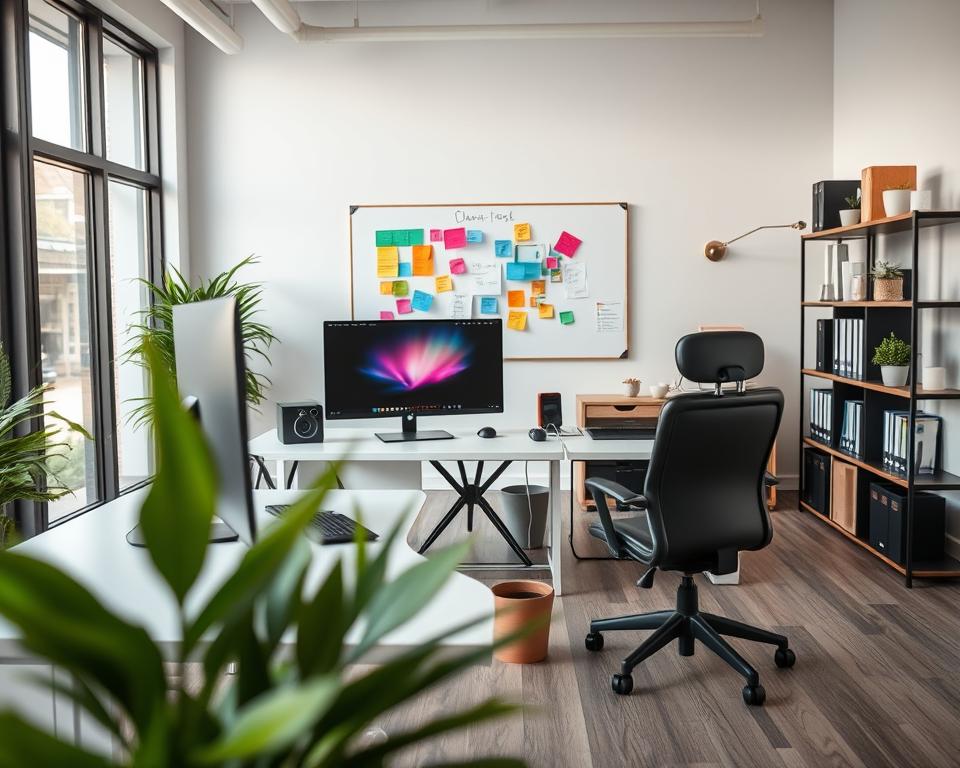
A hybrid layout mixes open and closed spaces. It’s the best of both worlds. This way, teams can work together and have quiet spots for focus. Finding the right mix is key.
- Know which tasks need teamwork and which need quiet.
- Make spaces that can change for different needs.
- Make sure the layout helps the workflow and doesn’t block movement or talk.
The Impact of Traffic Flow
How people move around in the office is important. Good traffic flow boosts productivity by cutting down on jams and distractions. It’s vital to plan the paths people take and make sure busy spots work well.
By planning the layout well, businesses can make a space that helps everyone work better and feel good.
Creating a Flexible Workflow
Making your workflow flexible can really boost your productivity and happiness at work. A flexible workflow lets you adjust to different tasks and work styles. It also helps you handle unexpected changes well, keeping you productive and efficient.
Zones for Different Activities
Setting up zones for different activities is key to a flexible workflow. By having specific areas for focused work, teamwork, and breaks, you can work better and avoid distractions.
- Focused Work Zone: A quiet, private area for tasks needing intense focus.
- Collaboration Zone: An open area with tools for teamwork and brainstorming.
- Relaxation Zone: A comfy space for breaks, stress relief, and refreshing.
Encouraging Movement Throughout the Day
Moving around during the day is important for your health. Using standing desks, walking meetings, and stretch breaks can help avoid the dangers of sitting too much.
“The key to a productive day is not just about working harder, but also about working smarter and taking care of your well-being.”
| Activity | Benefits | Implementation Tips |
|---|---|---|
| Standing Desks | Improves posture, reduces back pain | Start with alternating between sitting and standing |
| Walking Meetings | Boosts creativity, increases physical activity | Schedule regular walking meetings with team members |
| Stretch Breaks | Reduces muscle tension, improves focus | Take short breaks every hour to stretch |
Adapting to Remote or Hybrid Work
Adjusting to remote or hybrid work needs flexibility and the right productivity tools. Using tech like video calls, project management tools, and time tracking apps helps you stay productive and work well together, no matter where you are.
To adapt well to remote or hybrid work, try these strategies:
- Make sure you have clear ways to communicate and work together.
- Set clear goals and expectations for working from home.
- Use productivity tools to keep track of your work and stay organized.
Measuring Productivity Improvements
As I make my workspace better, tracking how well I’m doing is key. It helps me see if my changes are working. This way, I can make smart choices to improve it even more.
Establishing a Baseline
To start, I need to set baseline metrics. I look at things like how many tasks I finish, how long tasks take, and how happy I am with my job. This lets me see how I’m doing now and compare it later.
Monitoring Progress
After setting my baseline, I start tracking changes over time. I use tools like productivity software and surveys to see how I’m doing. This helps me find out what’s working and what’s not in my workspace.
Refining the Workspace
Then, I adjust layouts based on results. If some parts of my workspace aren’t working, I make changes. This could mean cleaning up, moving things around, or adding spaces for teamwork. These tweaks help me keep my workspace at its best.
- Regularly review and update baseline metrics to reflect changes in work habits or goals.
- Use data to inform decisions about workspace layout and productivity tools.
- Consider implementing flexible work arrangements to support different work styles.
By following these steps and always checking how I’m doing, I can make a workspace that really helps me work better.
Continuous Improvement and Adaptation
Keeping your workspace productive is a never-ending task. It’s important to keep improving and adapting as work environments change. This ensures your space stays the best it can be for getting work done.
Ongoing Feedback and Trends
Getting feedback from your team is key to making your workspace better. It helps you find and fix problems and use the best time management strategies. Also, keeping up with new trends in workspace design and tech is essential for a productive space.
Evolving Workspace Needs
It’s important to change your workspace to meet your team’s needs. Adding workspace ergonomics can make your team more comfortable and productive. By always looking to improve, your workspace will stay a place of productivity and efficiency.