


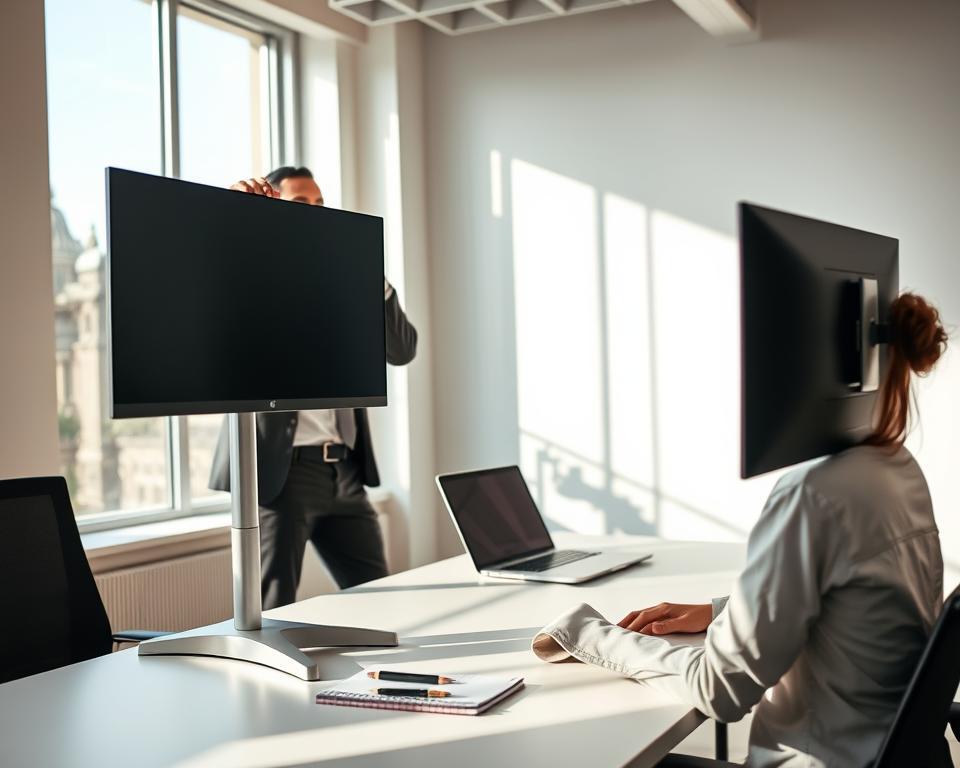
Did you know that wrong monitor placement can cause discomfort and eye strain? It can even lead to serious health problems over time. If you spend a lot of time at a desk, getting your monitor height right is key. It helps keep your posture good and prevents eye fatigue.
I’ve seen how making your workspace ergonomic can make a big difference. By adjusting my monitor height setup, I’ve cut down on eye strain. I also feel more comfortable during work hours.
Key Takeaways
- Proper monitor height setup is essential for ergonomic comfort.
- Incorrect positioning can lead to eye strain and discomfort.
- Adjusting your workspace can significantly improve your working experience.
- Good posture is maintained with a correctly positioned monitor.
- Ergonomic comfort reduces the risk of long-term health issues.
Understanding Monitor Height and Its Importance
Knowing the right monitor height is key to better productivity and health. We spend a lot of time in front of computers. So, it’s important to have a comfortable workspace.
The Impact of Monitor Height on Posture
Monitor height affects your posture a lot. If it’s too high or low, you’ll tilt your head. This can hurt your neck and cause long-term problems. Ergonomic experts say keeping your spine straight is vital.
“Having your monitor at the right height is important for good posture,” an ergonomics expert notes.
Common Issues from Poor Monitor Heights
Bad monitor heights can cause many problems. These include back and neck pain, headaches, and eye strain. If your monitor is not right, you might slouch or lean forward. This strains your back and shoulders.
- Neck strain from looking up or down
- Back pain from slouching or leaning
- Eye strain from improper viewing angles
Benefits of Proper Ergonomic Setup
A good ergonomic setup, like the right monitor height, offers many benefits. You’ll feel more comfortable, work better, and avoid long-term health issues. An adjustable monitor stand helps you find the perfect eye level.
Ergonomic experts say a well-set workspace boosts your well-being and job happiness.
Guidelines for Ideal Monitor Height
To ensure ergonomic comfort, it’s essential to follow guidelines for ideal monitor height. Proper monitor positioning can significantly reduce eye strain and improve your overall working experience.
Recommended Eye Level Position
The top of the monitor should be at eye level or slightly below. This positioning helps maintain a neutral neck posture, reducing the risk of discomfort and injury. For more detailed tips, you can refer to ergonomic guidelines for monitor height setup.

Distance from Eyes for Optimal Viewing
The ideal viewing distance is typically between 20 and 25 inches. This distance allows you to comfortably read the screen without leaning forward or straining your eyes. Here are some key points to consider:
- Position the monitor directly in front of you.
- Adjust the distance based on your visual comfort.
- Ensure the screen is free from glare and reflections.
Adjusting for Multiple Users
If multiple people use the same workstation, consider the following adjustments:
- Set the monitor to a neutral height that accommodates the average user.
- Use an adjustable monitor stand to easily change the height.
- Encourage users to adjust the monitor to their comfort level.
By following these guidelines, you can create a more versatile and comfortable workspace for everyone.
Choosing the Right Monitor Stand
Finding the right monitor stand is key to a great workspace. A good stand helps you set your monitor at the perfect height. This is important for comfort and avoiding injury.
Types of Monitor Stands Available
There are many monitor stands out there, each for different needs. Here are some common ones:
- Fixed Monitor Stands: These stands keep your monitor at one height. They’re good if you don’t change your monitor often.
- Adjustable Monitor Stands: These stands let you change height and sometimes angle. They offer more flexibility.
- Ergonomic Monitor Stands: These stands focus on comfort. They have designs that allow for more adjustments and movement.
Ergonomic experts say an adjustable monitor stand can really improve your work. It lets you set your monitor to your comfort level.
Features to Consider When Buying
When you’re buying a monitor stand, think about these features:
| Feature | Description | Importance Level |
|---|---|---|
| Height Adjustment | The ability to adjust the height of your monitor. | High |
| Angle Adjustment | The ability to tilt or swivel your monitor. | Medium |
| Cable Management | Features that help organize cables and keep your workspace tidy. | Medium |
| Weight Capacity | The maximum weight the stand can support. | High |
“A well-designed monitor stand can greatly improve your computing experience by providing the flexibility to adjust your monitor to the most comfortable viewing position.”
DIY Monitor Stand Ideas
If you like making things or want to save money, try making your own monitor stand. Here are some ideas:
- Use wooden crates or boxes to create a stacked monitor stand.
- Repurpose an old filing cabinet or drawer.
- Utilize PVC pipes to create a custom stand.
There are many ways to make a monitor stand that fits your needs. Whether you want something simple or more complex, you can do it.
Adjusting Your Workspace for Comfort
Creating a comfortable workspace is more than just the right monitor height. It’s about a whole approach. Other factors are key to making your work area the best it can be.
Factors to Consider Beyond Monitor Height
There’s more to a comfy workspace than just the monitor. Think about your keyboard and mouse, your chair, and your desk’s layout. Each plays a big part in your comfort.
Make sure your keyboard is at a good height and distance. This stops wrist and hand strain. A mouse that’s too far or at a bad angle can cause discomfort and harm over time.
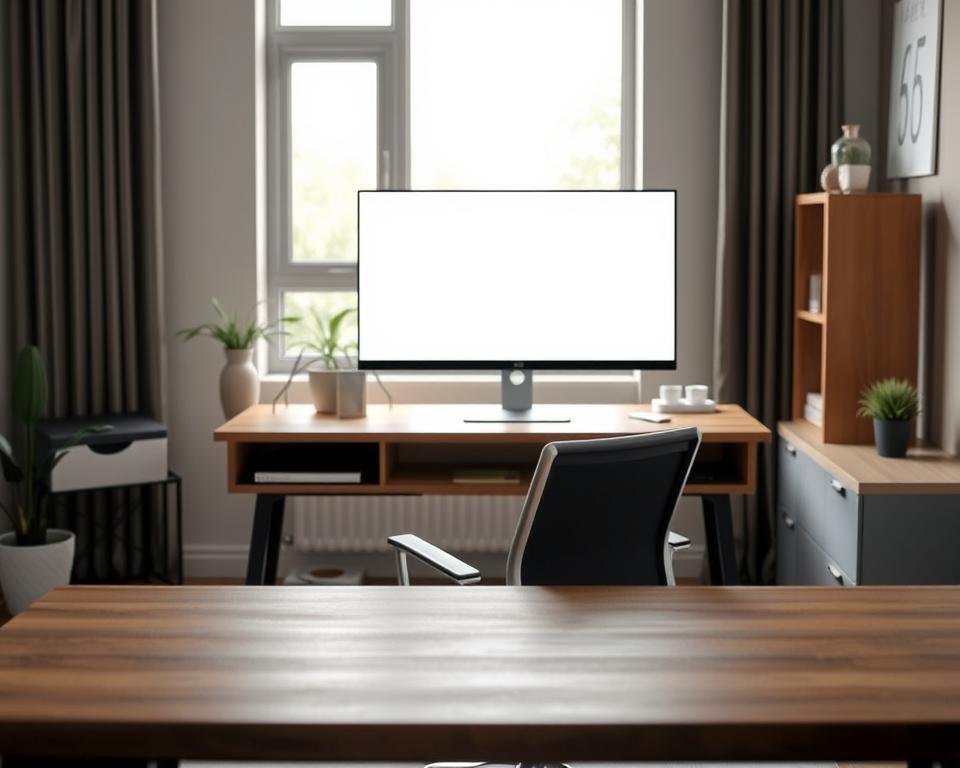
Desk and Chair Compatibility
Your desk and chair must work well together for long hours. Your chair should adjust in height and support your lower back for good posture.
Your desk should be at a height that lets you type with your elbows at 90 degrees. This keeps you comfortable while working.
Lighting and Glare Reduction Tips
Good lighting is key to avoiding eye strain. Place your monitor so it’s not hit by direct light. Use curtains to control natural light if needed.
Also, screens with anti-glare or screen protectors can cut down on reflections. This makes your screen easier to see.
By focusing on these areas and making the right changes, you can make a workspace that’s both comfy and productive.
Monitor Height Setup for Different Activities
Different activities need different monitor heights for comfort and performance. Whether gaming, working, or doing creative tasks, changing your monitor height matters a lot. It can greatly improve your experience.
Best Height for Gaming Setups
Gamers need the right monitor height for a great experience. The top of the monitor should be at eye level or a bit below. This setup reduces neck strain and makes gaming more fun.
For more tips on gaming monitor setup, check out Ergolink’s guide on monitor height.
Height Considerations for Office Work
For office work, place the monitor directly in front of you. It should be about 20-25 inches away. The top of the monitor should be at eye level or slightly below. This helps keep your posture good and reduces eye strain.
The Ideal Position for Creative Tasks
Creative tasks like graphic design or video editing need a precise monitor setup. The monitor should be at a comfortable distance and height. It should be positioned so the center of the screen is at eye level. This makes it easy to see the whole screen without moving your head too much.
| Activity | Ideal Monitor Height | Distance from Eyes |
|---|---|---|
| Gaming | Top of monitor at eye level or slightly below | 20-25 inches |
| Office Work | Top of monitor at eye level or slightly below | 20-25 inches |
| Creative Tasks | Center of screen at eye level | 20-25 inches |
Adjusting your monitor height for different activities can make you more comfortable and productive. The main goal is to keep a comfortable viewing position. This helps maintain good posture and reduces eye and neck strain.
Common Mistakes in Monitor Height Setup
Many people overlook the importance of monitor height, leading to ergonomic problems. They don’t realize how simple adjustments can improve their computer use.
Overlooked Adjustments and Their Effects
Not adjusting the monitor height to fit individual needs is a common error. This can cause neck strain and eye fatigue. To prevent these, place your monitor directly in front of you, about 20-25 inches away. Make sure it’s at a height where you can look slightly down.
- Ensure the top of the monitor is at eye level or slightly below.
- Adjust the monitor tilt to reduce glare.
- Use a monitor stand to achieve the optimal height.
Misplacing Monitors for Dual-Screen Use
When using two screens, it’s key to place them right to avoid neck strain. Placing them wrong can force you to turn your head constantly.
- Place the primary monitor directly in front of you.
- Position the secondary monitor at an angle or beside the primary monitor.
- Adjust both monitors to the same height to maintain a consistent viewing level.
Importance of Regular Height Reevaluation
It’s important to check your monitor height often, more so if you share your space or switch tasks. Reevaluation keeps your workspace ergonomic and prevents long-term harm.
- Reassess your monitor height when changing tasks or environments.
- Adjust your monitor stand as needed to accommodate different users or tasks.
- Consider using a monitor arm for more flexibility in adjusting your screen’s position.
Tools to Help You Measure Monitor Height
To get your monitor at the right height, you need the right tools. The correct monitor height setup is key for comfort and avoiding eye strain.
Using a Measuring Tape Effectively
A measuring tape is simple yet effective for monitor height. Stand it up against your desk or monitor stand. Measure from the desk top to your monitor’s center. This will show you the optimal monitor height.
Available App Tools for Measurement
Today, many apps can measure your monitor height easily. They use your device’s camera for accurate measurements. Measure for iOS and AR Measure for Android are popular choices. Just open the app and follow the steps for your measurement.
Height Measuring Gadgets
If you want a specialized tool, there are gadgets for height measurement. They often have laser technology for precise readings. Some even have adjustable arms for measuring various workspace parts.
| Tool Type | Accuracy | Ease of Use |
|---|---|---|
| Measuring Tape | High | Easy |
| App Tools | Medium to High | Very Easy |
| Height Measuring Gadgets | Very High | Easy to Moderate |
Using these tools ensures your monitor is at the optimal monitor height. This improves your work experience and comfort.
Maintaining Ergonomic Practices
Setting up your monitor right is just the start. It’s also important to keep your whole workspace ergonomic. This means paying attention to your keyboard, mouse, breaks, and workspace checks.
Keyboard and Mouse Positioning Tips
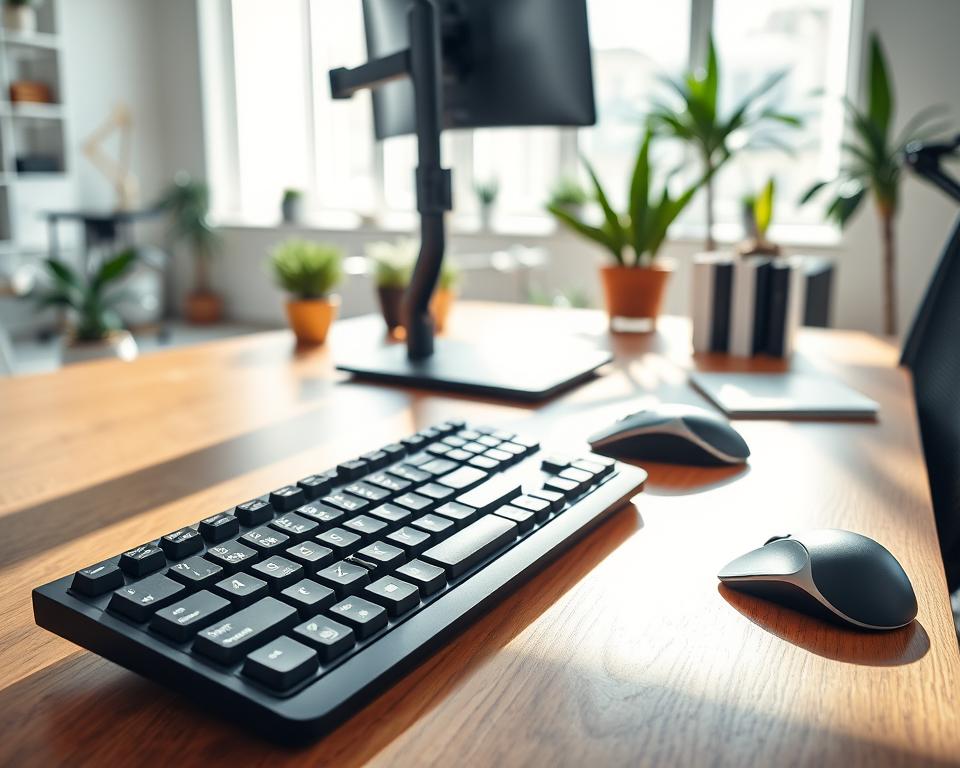
Where you place your keyboard and mouse is key to avoiding hand and wrist strain. Your keyboard should be right in front of you and close to your body. Make sure your wrists are straight and elbows at 90 degrees. Your mouse should be easy to reach, on the same level as your keyboard.
Here are some tips for the best keyboard and mouse setup:
- Keep your wrists straight to avoid bending.
- Use a keyboard tray or adjustable desk for the right height.
- Place your mouse close to your body to avoid stretching.
Taking Breaks and Stretching
It’s important to take breaks to avoid musculoskeletal disorders. Stand up, stretch, and move every 30-60 minutes. Simple stretches can help ease neck, shoulder, and back tension.
Try these desk stretches:
- Neck stretches: Slowly tilt your head to the side, bringing your ear towards your shoulder.
- Shoulder rolls: Roll your shoulders forward and backward in a circular motion.
- Wrist extensions: Hold your arm straight out and lift your hand up, then lower it down.
Regularly Assessing Your Setup
Your workspace changes over time. It’s important to check your ergonomic setup regularly. Make changes as needed to keep up with your work style and tasks.
To keep your workspace ergonomic, consider:
- Check your monitor height and distance as your tasks change.
- Adjust your chair height and lumbar support for comfort.
- Keep your workspace organized and clutter-free.
The Long-Term Benefits of Proper Setup
Adjusting your monitor to the right height has many long-term benefits. A well-set workspace boosts comfort, productivity, and well-being.
Reduced Risk of Injury and Discomfort
Setting your monitor at eye level lowers injury and discomfort risks. It prevents neck strain, reducing long-term damage.
An adjustable monitor stand helps get it just right. This avoids leaning or tilting, common causes of discomfort.
Increased Productivity and Focus
A well-set monitor setup boosts productivity and focus. Ergonomic design means you can work longer without getting tired. Your body stays in a natural position, easing muscle and joint strain.
The table below shows how proper monitor height setup improves productivity:
| Benefit | Description | Impact on Productivity |
|---|---|---|
| Reduced Eye Strain | Proper monitor height reduces the need to squint or strain your eyes. | High |
| Improved Posture | Correct monitor height promotes better posture. | Medium |
| Increased Comfort | A comfortable working position enhances overall well-being. | High |
Enhanced Enjoyment During Long Sessions
Correct monitor height also makes long work or gaming sessions more enjoyable. Comfort lets you focus better, making the experience more enjoyable.
Investing in an adjustable monitor stand and adjusting your monitor properly makes computing more comfortable and productive.
Real-Life Examples of Successful Setups
I’ve seen many cases where the right monitor placement has changed workspaces for the better. It makes both comfort and productivity go up. Let’s look at some of these setups in various places.
Home Offices
Home offices have seen big improvements with the right monitor height. A well-set-up workspace can cut down eye strain and help your posture.
One home office study showed a big drop in neck pain and a boost in work speed. This happened when the monitor was set to eye level.
Corporate Workspace Adjustments
In offices, making monitors ergonomic is key. Companies have seen less discomfort and more happiness among their workers.
A company made a big change by adding adjustable monitor stands. This move cut down complaints about neck and back pain a lot.
| Workspace Type | Adjustment Made | Outcome |
|---|---|---|
| Home Office | Monitor height adjustment to eye level | Reduced neck pain, increased efficiency |
| Corporate Office | Introduction of adjustable monitor stands | Reduced employee discomfort, increased job satisfaction |
Testimonials from Ergonomic Experts
Ergonomic experts stress the need for the right monitor placement.
“Adjusting the monitor to the correct height is a simple yet effective way to improve workspace ergonomics,”
says a top ergonomics expert.
Using these examples and expert advice, people can make their workspaces better. This is true whether you work from home or in an office.
Resources for Further Reading
As we wrap up our look at monitor height and ergonomics, it’s clear that a good workspace is more than one thing. To help you learn more about making your workspace better, I’ve put together a list of useful resources.
Recommended Literature
If you want to learn more about ergonomics, books like “The Ergonomics Handbook” are great. They give you detailed advice on setting up your workspace for comfort and efficiency. Reading about monitor ergonomics can also give you tips on the best monitor height.
Online Guides and Resources
Websites focused on workplace health and ergonomics, like OSHA, have lots of helpful info. They often have guides on monitor height and other ergonomic tips.
Communities for Ergonomic Discussions
Joining online groups about ergonomics and workplace health is very helpful. Sites like Reddit’s r/ergonomics are great for sharing experiences, asking questions, and learning from others. You can get tips on making your workspace more ergonomic, including the right monitor height.