


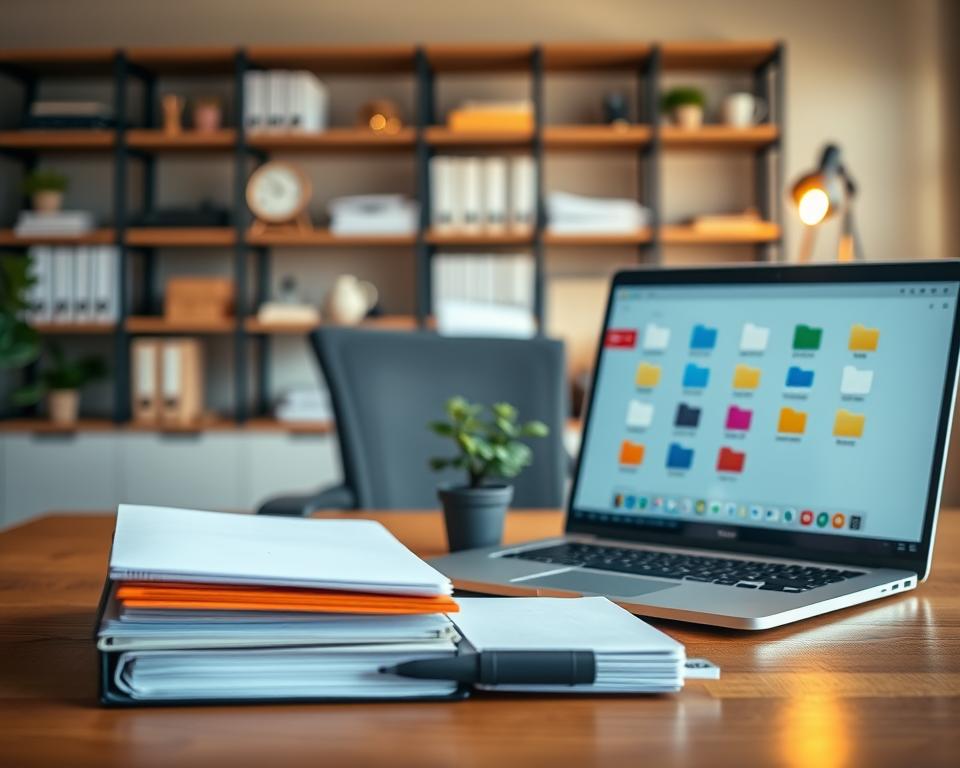
A messy digital space can really slow you down. Studies show that a cluttered desktop wastes time and raises stress.
By organizing my files better, I find what I need fast. This makes my work flow smoother and cuts down on digital mess.
With a few easy steps, you can turn your digital area into a top-notch spot for getting things done. It will help you meet your productivity goals.
Key Takeaways
- Streamline your digital workspace for improved productivity.
- Implement a simple and effective file organization system.
- Reduce stress and wasted time caused by digital clutter.
- Enhance your workflow with a well-organized desktop.
- Maintain your optimized desktop folder setup for long-term benefits.
Understanding the Importance of Desktop Folder Structure
Effective digital asset management begins with a well-thought-out desktop folder structure. Organizing your files in a logical way boosts your productivity. It also cuts down on the stress caused by a messy digital space.
How It Enhances Productivity
A well-organized desktop folder setup makes it easy to find the files you need. This speeds up your work, which is key in today’s fast world. With a clear file storage system, you can dive into your tasks without delay.
Reducing Clutter and Stress
A messy desktop can make you feel stressed and less productive. A good folder structure keeps your digital space neat and organized. It reduces both visual and mental clutter, improving your well-being and work efficiency.
For tips on setting up an effective folder structure, check out Dan Mall’s post. It offers great advice on organizing your digital assets.
Saving Time on File Searches
One big advantage of a well-organized desktop folder system is the time it saves. By sorting your files into clear folders, you can quickly find what you need. This is a big help for those handling lots of data or working on many projects at once.
Assessing Your Current Desktop Setup
It’s important to understand your current desktop setup to create an effective folder structure. Start by looking at your desktop and think about how you manage your files.
Identifying Pain Points
The first step is to find any issues. Ask yourself if you often can’t find certain files or folders. Are some parts of your desktop very messy? By spotting these problems, you can start fixing them.
For example, having too many files on your desktop can distract you. By knowing what’s causing the problem, you can organize your files better.
Categorizing Files and Folders
Then, sort your files and folders by type or purpose. This means grouping similar documents together or keeping work files separate from personal ones. Good categorization is key to managing desktop folders well.
Here’s a simple way to start sorting:
- Find the main categories (e.g., Work, Personal, Projects)
- Break down these groups into sub-categories (e.g., Work: Reports, Meetings, Proposals)
- Use colors to make things stand out visually
Visualizing Your Desktop Layout
Think about how you want your files and folders arranged. Create a mental or physical map of your ideal desktop setup. This step is vital for organizing desktop files and improving your computer file layout.

To help visualize, here’s a simple table for a basic desktop organization:
| Category | Sub-Category | Description |
|---|---|---|
| Work | Reports | Documents related to work reports |
| Personal | Photos | Personal photo collection |
| Projects | Ongoing | Files related to current projects |
By following these steps, you can make your desktop more organized and efficient. This will help you work better.
Key Principles for an Effective Folder Structure
To boost productivity, knowing the basics of a good folder structure is key. A tidy digital space helps you find files fast, lowers stress, and saves time.
Consistency in Naming Conventions is key for easy folder navigation. A set naming style lets you know what’s inside without opening it. For example, using a date format like YYYYMMDD for file names makes managing files easier.
Consistency in Naming Conventions
Creating a consistent naming style means picking a standard for file and folder names. This could include project names, dates, and version numbers. For instance, “2023Q1_ProjectReport_v2.docx” shows it’s the second version from the first quarter of 2023.
Logical Hierarchies of Folders
A logical hierarchy of folders
is essential for good file management. Start with a top-level folder for broad categories, then add subfolders for specifics. For example, “Projects” might have subfolders for each project, sorted by year or client.
Building a logical hierarchy means organizing your work and personal files in a way that makes sense. Group files by project, client, or type. The goal is to make your workflow easy to follow and files easy to find.
Utilizing Subfolders Effectively
Utilizing subfolders effectively is vital for a clean digital space. Subfolders help categorize files within a category, making them easier to find.
For example, in a “Documents” folder, you might have subfolders for “Invoices,” “Reports,” and “Proposals.” Each could be split by date or project, creating a clear structure.
By following these principles—consistent naming, logical folder structures, and smart use of subfolders—you can make your folder system more productive. It will help you find files faster and reduce time spent searching.
Categorizing Files Based on Usage
Starting with digital asset management means sorting your files by how you use them. This method makes your file system more efficient and boosts your productivity. By organizing files into categories, you can find what you need quickly. This cuts down the time spent searching for files.
Work-Related Folders
Computers are key for many of us, holding lots of work files. Setting up work-related folders is a simple way to stay organized. You can sort them by project, client, or department for easy access. For example, you might have a “Projects” folder with subfolders for each project.
Personal Files Organization
Personal files, like photos and documents, need their own organization plan. You can sort them by date, event, or category (like “Family,” “Travel,” or “Finance”). The goal is to create a system that’s easy for you to follow and maintain. Using clear file names and folder titles is key for effective personal file organization.
Temporary vs. Permanent Files
It’s important to tell temporary files from permanent ones. Temporary files, like downloads or work-in-progress, go in a special folder. This makes it easy to delete or archive them when done. Permanent files, which you’ll keep for a long time, go in labeled folders.
As
“The key to a successful digital organization is not just in the initial setup but in maintaining the system over time.”
Regularly checking and tweaking your file system keeps it working well. This ensures it stays up-to-date with your changing needs.
Creating a Folder Structure Template
To keep your computer files tidy, making a folder structure template is key. This template helps organize your files in a way that’s both efficient and grows with you.
Step-by-Step Guide
Building a folder hierarchy that suits you involves a few steps:
- First, list your main file types.
- Then, break down each type into smaller subcategories.
- Choose how to name your folders and subfolders.
- Next, set up your main folders and subfolders based on your plan.
- Lastly, check and tweak your structure as needed.
Examples of Effective Templates
There are many folder structure templates out there, each fitting different needs. For example:
- Professionals might use folders like “Projects,” “Clients,” and “Meetings.”
- Students could organize with “Courses,” “Assignments,” and “Research.”
- For personal use, folders might include “Photos,” “Documents,” and “Financials.”
Customizing for Your Needs
Customizing your managing desktop folders strategy is important. Think about what you need:
- How often do you need to find certain files?
- Do you have files that belong together but in different categories?
- Are there specific files or folders you want to highlight?
By considering these points, you can make your folder hierarchy fit your needs perfectly. This ensures your computer file layout stays organized and effective.
Leveraging Cloud Storage for Folder Management
Cloud storage is a big help for managing folders, making work and teamwork better. It helps me keep my digital space tidy and easy to get to.
“The cloud is no longer just a storage solution; it’s a productivity powerhouse,” as noted by industry experts. This change in cloud tech makes managing digital files simpler. It lets us easily share and access files on different devices and places.
Benefits of Cloud Solutions
Cloud storage brings many perks for managing folders. It makes files easy to get to, backs them up automatically, and helps us work together better. With cloud storage, I can get to my files from anywhere, as long as I’m online.
- Enhanced accessibility to files across devices
- Automatic backups to prevent data loss
- Seamless collaboration with others in real-time
Best Practices for Cloud Organization
To get the most out of cloud storage, follow some key tips. Make a clear folder system, name files well, and get rid of files you don’t need.
Creating a Logical Folder Structure is key for good file management. Start with big categories and then add subfolders for more organization.
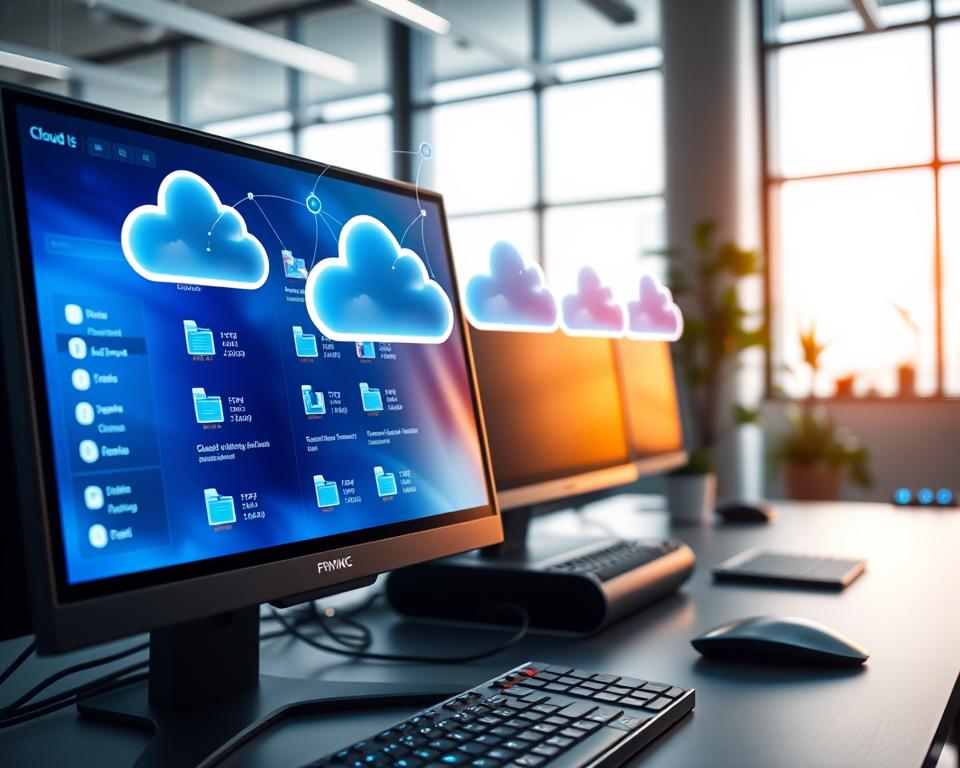
Syncing Your Desktop with the Cloud
Syncing my desktop with the cloud has really boosted my work. It keeps my files current on all devices, helping me work better, whether I’m in the office or not.
To sync your desktop with the cloud, pick a cloud service that lets you do this. Google Drive, Dropbox, and OneDrive are all good choices.
“The future of work is cloud-based, and it’s essential to adapt your workflow to take advantage of its benefits.”
Utilizing Desktop Tools and Software
To boost productivity, using the right desktop tools and software is key. These tools help you manage and organize your desktop files better.
File Management Applications
File management apps make it easier to handle managing desktop folders and files. Directory Opus and Total Commander have features like tabbed interfaces and powerful search. They help you organize your files better.
These apps also have tools for finding duplicate files, syncing files, and renaming them in batches. This saves time and keeps your desktop tidy.
Automation Tools for Better Organization
Automation tools help make organizing your desktop easier by doing tasks for you. AutoHotkey lets you create scripts for tasks like sorting and renaming files. This boosts your productivity.
Automating tasks means you spend less time on file management. You can focus more on your work, making you more efficient.
Integrating with Productivity Software
Linking your file management tools with productivity software makes your workflow smoother. Many suites, like Microsoft Office and Google Workspace, work well with these tools. This lets you access and edit files easily from your productivity apps.
This integration makes file access simpler. It also makes sharing and editing files together easier. It’s a key part of a good file storage system.
Regular Maintenance of Your Desktop
To keep your digital workspace organized, regular upkeep is essential. This involves more than just occasional tidying; it requires a systematic approach to maintaining your desktop’s efficiency.
Establishing a Maintenance Schedule
Creating a schedule is the first step towards maintaining your desktop. Set aside specific times each week or month dedicated to organizing your files and folders. Consistency is key to developing a habit that will keep your digital workspace clutter-free.
- Decide on a frequency that works for you, whether daily, weekly, or monthly.
- Use reminders or calendar events to stay on track with your maintenance schedule.
- Be flexible and adjust your schedule as your needs change.
Quick Daily Cleanup Habits
Incorporating quick daily habits can significantly impact your desktop’s organization. Simple actions like closing unnecessary tabs, deleting temporary files, and sorting new files into appropriate folders can make a big difference.
- Start your day by organizing your desktop and prioritizing tasks.
- Use keyboard shortcuts to quickly manage files and folders.
- Keep frequently used files and applications easily accessible.
Periodic Reviews of Your Files
Regularly reviewing your files is key for an organized desktop. This means checking which files are relevant, which can be archived, and which should be deleted.
Benefits of Periodic Reviews:
- Reduces clutter and improves file retrieval times.
- Helps in identifying and eliminating redundant or obsolete files.
- Ensures that your file organization system remains effective and up-to-date.
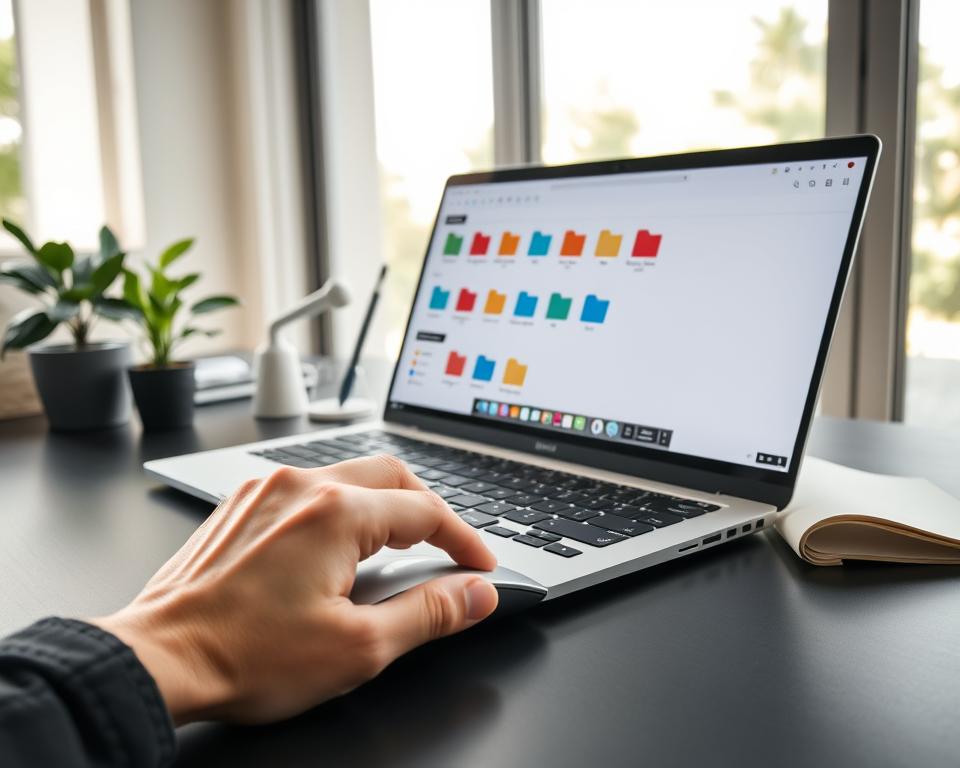
By implementing these strategies, you can maintain a well-organized desktop. This boosts your productivity and reduces stress. Regular maintenance is not just about keeping your digital workspace tidy; it’s about creating a system that works for you in the long term.
Tips for Working Remotely with an Organized Desktop
Working from home starts with a good desktop setup. It helps teams work better together and keeps stress low. I’ve learned that a tidy desktop is key to staying focused and managing tasks well.
Adapting Your Structure for Remote Work
Working from home means you need to organize your desktop differently. You should make a system that’s easy for everyone to use. This helps your team work together smoothly and find what they need quickly.
- Use clear and descriptive folder names.
- Implement a consistent naming convention across all folders and files.
- Utilize subfolders to categorize files further.
Collaboration and Sharing Practices
Working together is key when you’re not in the same place. Good sharing habits are important. This means setting the right permissions, using cloud storage, and keeping everyone informed about where files are and when they change.
| Collaboration Tool | Purpose | Benefits |
|---|---|---|
| Cloud Storage (e.g., Google Drive, Dropbox) | File sharing and storage | Access from anywhere, real-time updates |
| Project Management Tools (e.g., Trello, Asana) | Task assignment and tracking | Enhanced team coordination, progress monitoring |
| Communication Platforms (e.g., Slack, Microsoft Teams) | Team communication | Instant messaging, file sharing, video conferencing |
Managing Virtual Meetings Effectively
Virtual meetings are a big part of working from home. To do them well, you need a tidy digital space. This means having easy access to important documents, using digital whiteboards for ideas, and making sure everyone has what they need.
By following these tips, remote teams can work better together, stay organized, and be more productive. Even when you’re not in the same room, you can keep your work space tidy and efficient.
Teaching Others about Desktop Organization
Teaching others about desktop organization boosts team productivity and efficiency. I’ve optimized my desktop folder setup and see its value. Sharing this knowledge with colleagues is key.
Learning about effective file organization and folder hierarchy makes work smoother. It helps each team member and improves the team’s performance.
Sharing Best Practices with Colleagues
Showing best practices is a great way to share knowledge. Here are some tips to share:
- Use clear and consistent naming conventions for files and folders.
- Establish a logical folder hierarchy that is easy to navigate.
- Utilize subfolders to categorize files further.
By sharing these tips, we ensure everyone works efficiently.
Creating Resource Guides
Creating resource guides is another excellent way to share knowledge. These guides can include:
- Step-by-step instructions on setting up an optimal folder structure.
- Examples of effective folder templates.
- Tips for maintaining a clutter-free desktop.
These guides can be shared digitally or in print. This makes it easy for colleagues to access and follow the information.
Leading Team Organization Workshops
Leading team organization workshops is a hands-on way to educate colleagues. These workshops can cover topics such as:
- The importance of file organization and folder hierarchy.
- Practical exercises in setting up an optimal folder structure.
- Strategies for maintaining a organized desktop.
By leading these workshops, we ensure our team has the knowledge and skills to work efficiently.
In conclusion, teaching others about desktop organization is a valuable skill. It boosts team productivity. By sharing best practices, creating resource guides, and leading workshops, we create a more efficient work environment.
Final Thoughts on Optimizing Your Desktop Folder Structure
Reflecting on your journey to an optimized desktop folder structure, you might see big improvements. Your productivity could soar, and stress levels could drop. You’ve made a key step towards a more organized digital space.
Maintaining Your System
Regular maintenance is key to keeping your digital space organized. This means checking your files often and updating your system when needed.
Sharing Your Experience
Sharing your experience can help others become more productive. You can share tips or lead workshops on organizing teams. Your efforts can make a big difference.
Keep your desktop organized and share your knowledge. This way, you’ll enjoy the benefits of efficient file management. You’ll also help make the digital world a more organized place.